

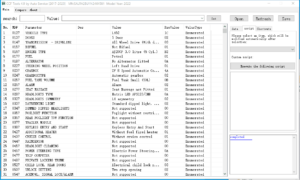
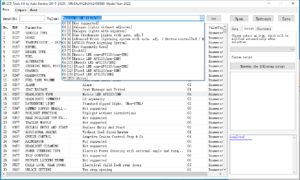
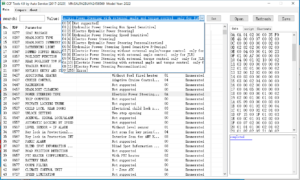
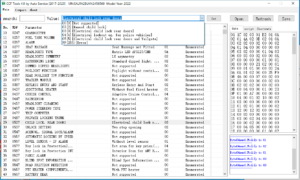
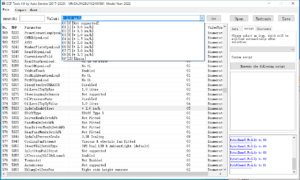
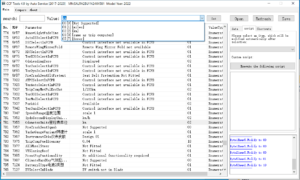
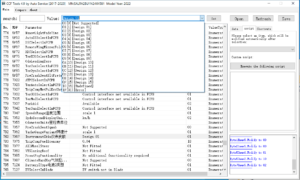
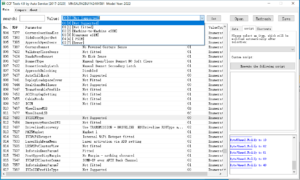

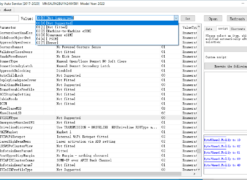
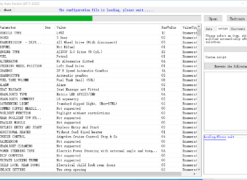
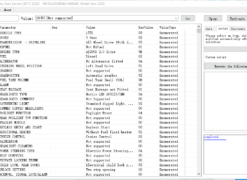
New JLR CCF Tools 4.9 CCF Editor for JLR 2017-2024

$279.00
新版 JLR CCF Tools 4.9 CCF 编辑器,JLR VBF 编辑器,适用于 2017-2025 款 JLR 车型
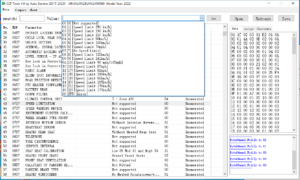
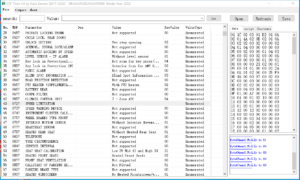
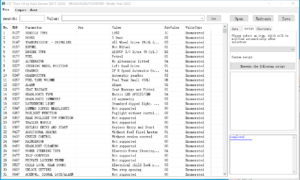
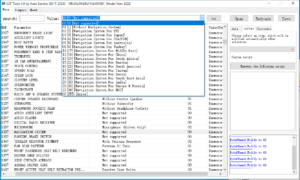
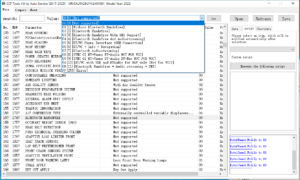
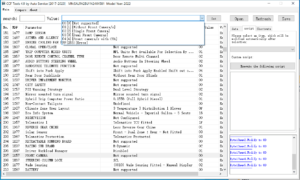
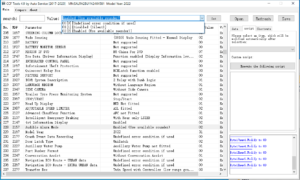
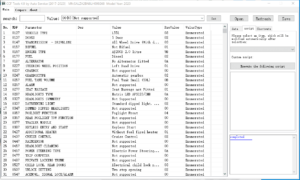
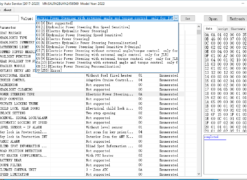
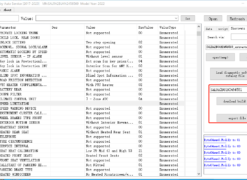
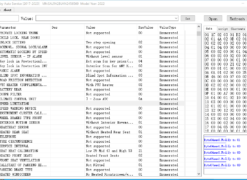
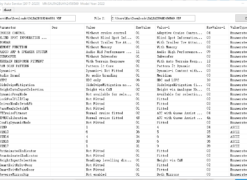
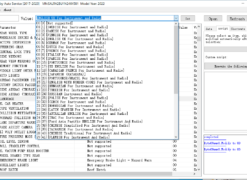
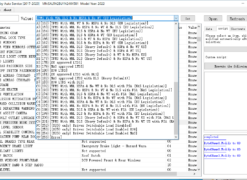
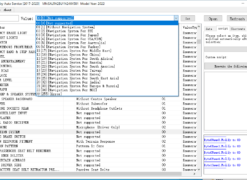
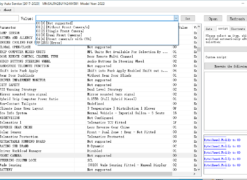
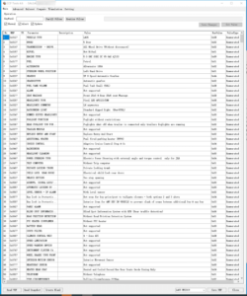
- 阅读VBF,按关键词搜索
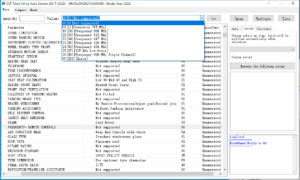
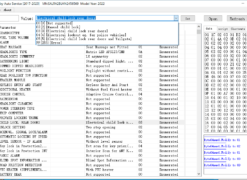
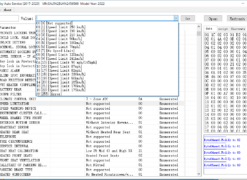
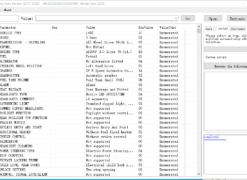
- 设置并保存参数
- EEPROM 数据
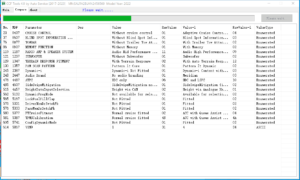
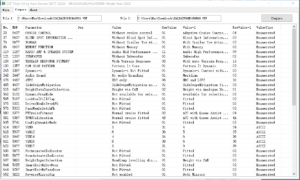
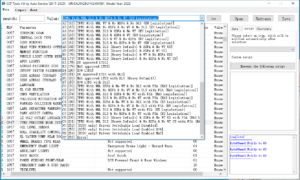
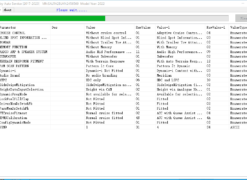
- 比较 VBF 文件
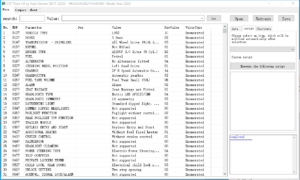
- 自制即点即用编程脚本
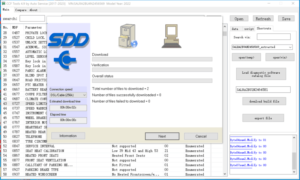
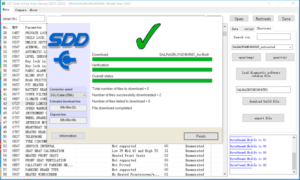
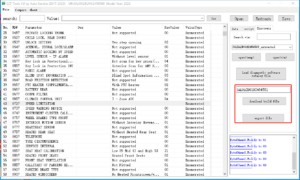
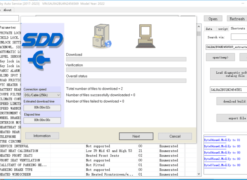
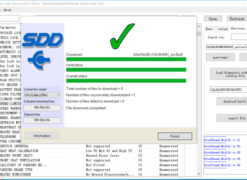
- 2024-2025 款车型可通过 VIN 下载和导出 VBF 文件,需要TOPIx Cloud。
New JLR CCF Tools 4.9 – CCF Editor for JLR 2017‑2024
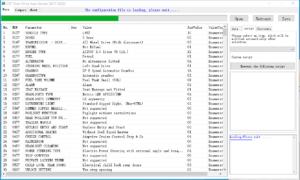
Take complete control of Jaguar Land Rover vehicle configurations with New JLR CCF Tools 4.9, the professional Car Configuration File editor tailored for model years 2017 to 2024. This software hands you the power to read factory CCFs, modify parameters to your exact requirements.
Comprehensive CCF Editing Engine
- Full Read/Write Access: Connect to any supported ECU, extract the CCF in seconds, make your changes, and flash the final file with a single click.
- Wide ECU Coverage: Works directly with Body Control Modules (BCM), Instrument Packs (IPC), Central Junction Boxes (CJB), Transmission Control Modules (TCM), and many more.
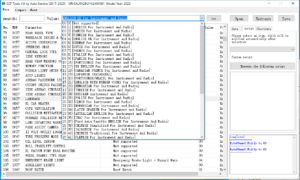
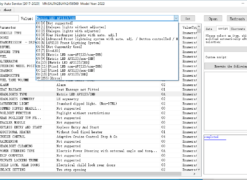
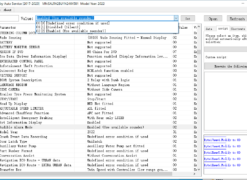
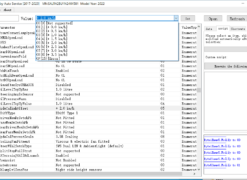
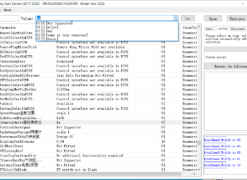
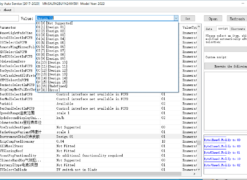
- Parameter‑Level Adjustments: Modify individual configuration bits—lighting themes, door locking logic, air suspension height presets, infotainment settings, and advanced driver‑assistance options.
- Automatic VIN Detection: The editor reads your vehicle’s identity and loads the correct factory configuration template, preventing mismatched edits from the start.
- One‑Click Backup & Restore: Save the original CCF before any editing. If you ever need to return to stock, restore that file in moments.
- Built‑in Validation: Every value change passes through a real‑time integrity check that flags conflicts before you hit “Write”, protecting the ECU from unsafe configurations.
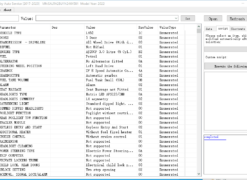
- Clear, Logged Workflow: The interface presents a straightforward editing grid and keeps a log of all changes, so you always know exactly what you modified.
JLR Models Supported (2017–2024)
New JLR CCF Tools 4.9 covers the core modern lineup without any gaps. You can work confidently on:
- Range Rover: L405 (2017‑2022), L460 (2022‑2024)
- Range Rover Sport: L494 (2017‑2022), L461 (2023‑2024)
- Range Rover Velar: L560 (2017‑2024)
- Range Rover Evoque: L538 (late 2017‑2018), L551 (2019‑2024)
- Discovery: L462 (2017‑2024)
- Discovery Sport: L550 (2017‑2024)
- Defender: L663 (2020‑2024)
- Jaguar: XE, XF (X260), F‑Pace, E‑Pace, I‑Pace, F‑Type (2017‑2024)
If the vehicle sits within the 2017‑2024 production window, the editor delivers the exact CCF mapping and parameter visibility you need.
Simple, Secure Editing Process
- Connect the Vehicle: Hook up your J2534 or JLR‑compatible VCI to the OBD port and launch the software on a Windows 10/11 PC.
- Read the CCF: Select the target ECU and click “Read”. The tool retrieves the full configuration in under a minute and displays it in an editable table.
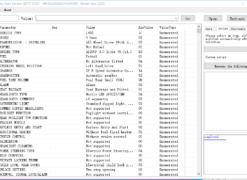
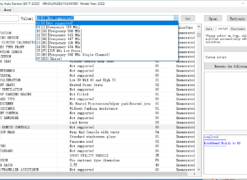
- Make Your Edits: Browse the parameter groups—body, lighting, chassis, infotainment—and adjust values with the simple drop‑down menus or direct entry fields.
- Validate & Write: The editor verifies the new configuration against known safe limits. Once satisfied, hit “Write” to flash the updated CCF into the ECU.
- Verify the Change: Re‑read the module to confirm every bit landed correctly, then test the new behavior in the vehicle immediately.
Why Professionals Choose CCF Tools 4.9
New JLR CCF Tools 4.9 focuses purely on JLR Car Configuration Files—no general‑purpose OBD clutter, no sluggish multi‑brand menus. You get a dedicated, fast‑loading editor that knows every JLR CCF byte and parameter address for the 2017‑2024 model span.
Get New JLR CCF Tools 4.9 Right Now
Enhance your diagnostic arsenal today. New JLR CCF Tools 4.9 is available for immediate digital download. Your purchase unlocks the full software, a detailed user manual, and technical support for installation. Start offering advanced JLR configuration services and keep your customers returning for every new vehicle addition.
Compatible with Windows 10/11 (64‑bit). Requires a J2534 pass‑thru or factory‑compatible diagnostic interface (sold separately). Supports JLR models 2017‑2024 only.
Related products
JLR Diagnostics
JLR Diagnostics

JLR Diagnostics

JLR Diagnostics
JLR Diagnostics
JLR Diagnostics
JLR Diagnostics